
Software
Small businesses need powerful tools but often face budget constraints. These 10 free Excel templates solve critical productivity challenges—from budgeting to inventory—without requiring a single dollar.
Small Business Budget Tracker Template
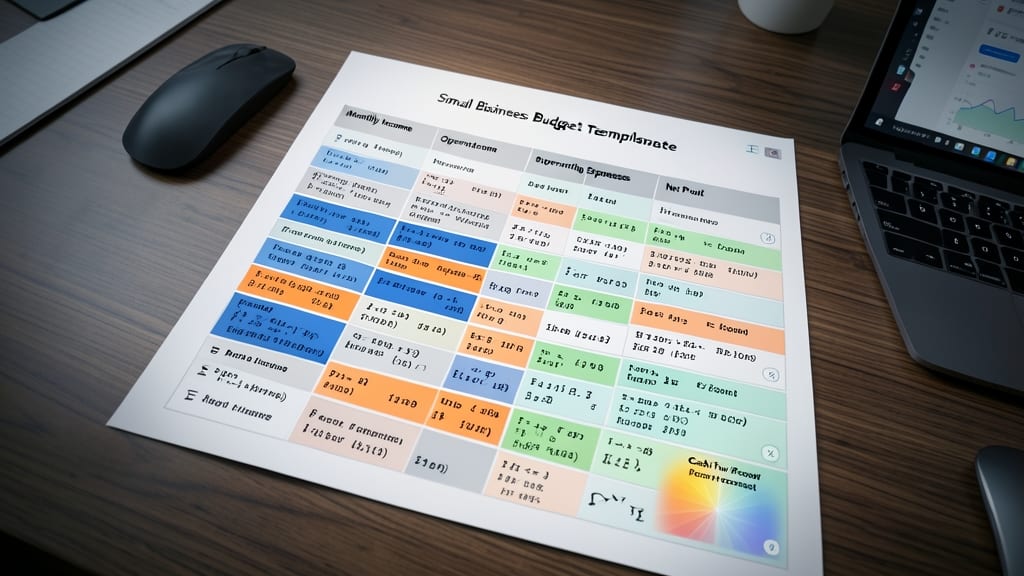
Struggling to keep your startup’s finances crystal clear? This Small Business Budget Tracker Template turns numbers into actionable insights with real-time tracking and color-coded categories—no accounting degree required.
The template includes pre-built formulas for income vs. expenses, cash flow projections, and month-to-month comparisons. Customize the six default categories (salaries, rent, marketing, etc.) or add your own, and let conditional formatting flag overspending in red. Works seamlessly in Excel 2010+ and Google Sheets, with no hidden costs.
Perfect for freelancers, solopreneurs, or early-stage teams who need visibility without the complexity. Download it, plug in your numbers, and watch your financial clarity skyrocket. ✨
Invoice Generator with Payment Tracking
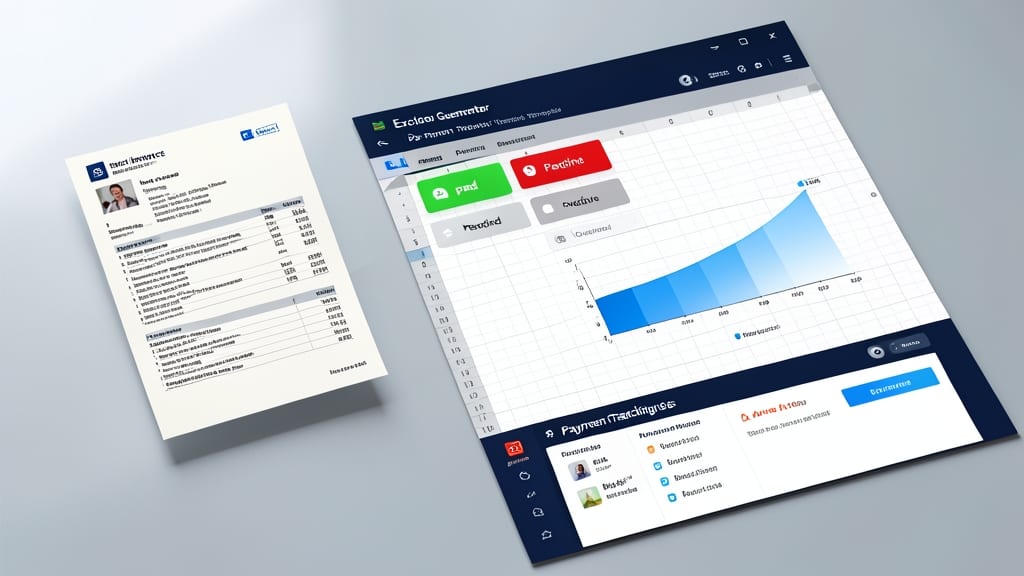
Forget chasing down late payments—this Invoice Generator with Payment Tracking template automates your billing process while keeping tabs on overdue invoices. No more manual follow-ups or forgotten deadlines; the built-in payment status flags (paid, pending, overdue) highlight what needs attention at a glance.
With customizable fields for services, rates, and due dates, you can generate professional invoices in minutes—even with recurring clients. The template also includes a payment history log to track trends and send automated reminders (via email or print) for overdue balances. Best of all, it’s fully editable in Excel or Google Sheets for seamless collaboration.
Freelancers, consultants, and service-based businesses will love this—especially if you’re juggling multiple clients or projects. It’s the zero-stress solution for turning work into cash faster. 💻
Employee Timesheet Calculator
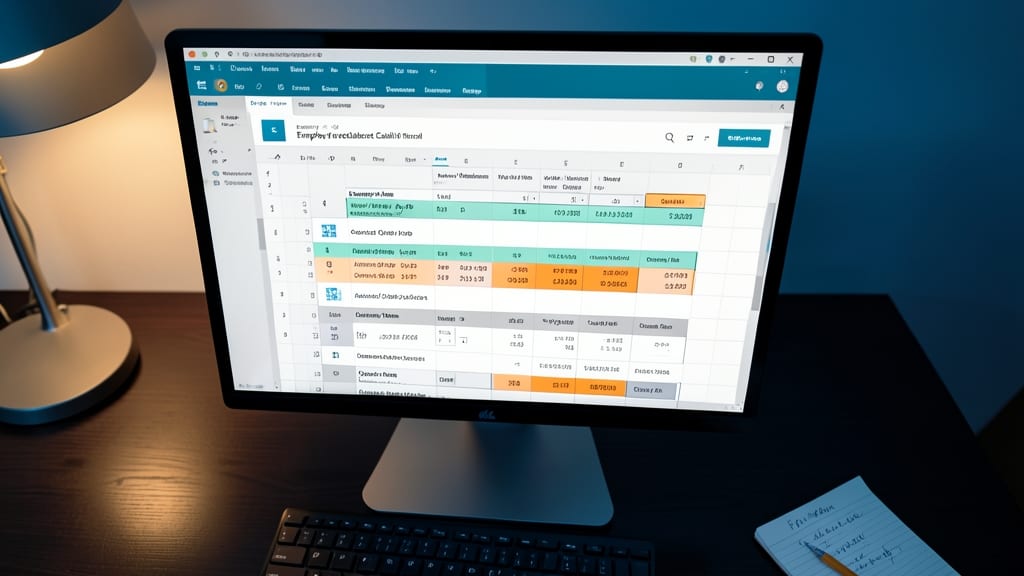
Payroll headaches got you down? The Employee Timesheet Calculator template automates time tracking, overtime calculations, and even deductions—so you can focus on growing your business instead of crunching numbers.
This template includes pre-built formulas for hourly/salaried pay, automatic overtime flags, and customizable deduction fields (taxes, benefits, etc.). Simply input employee hours, and it generates ready-to-use payroll summaries with minimal effort. Compatible with Excel 2010+ and Google Sheets, it’s perfect for teams of any size.
Best for small businesses with hourly staff, contractors, or mixed payrolls—whether you're a retail shop, service provider, or freelance collective. 💻
Inventory Management Spreadsheet
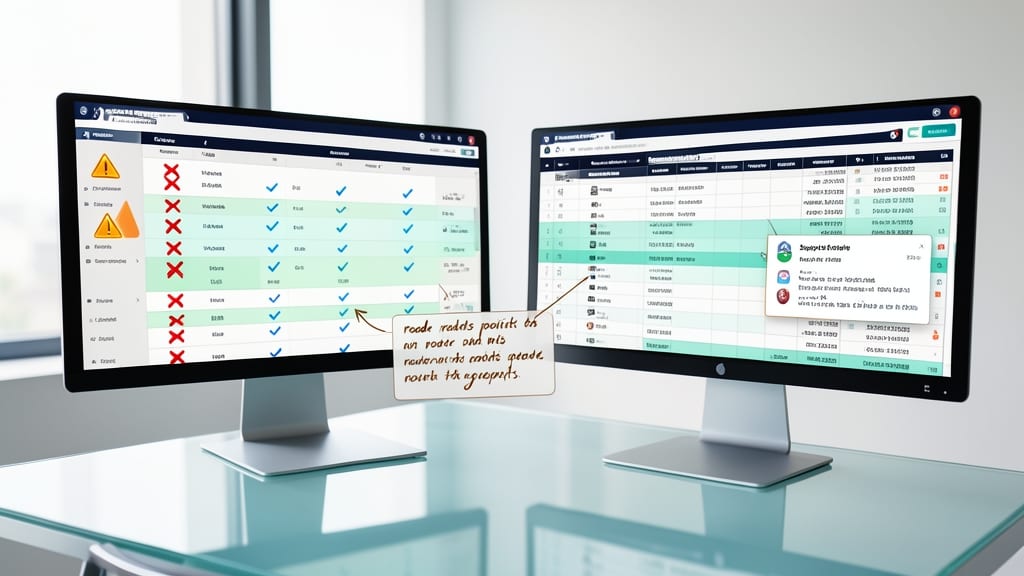
Running out of stock mid-season or drowning in overstocked inventory? This inventory management spreadsheet keeps your products moving smoothly with automated alerts and supplier tracking—no more guesswork.
Designed for real-time stock monitoring, it includes customizable reorder points, supplier contact details, and SKU tracking. The built-in color-coded alerts (green/yellow/red) highlight low stock instantly, while formulas auto-calculate lead times and reorder quantities. Perfect for businesses selling physical products, whether online or in-store.
Ideal for small retailers, e-commerce sellers, or wholesale distributors who need to balance inventory costs with customer demand. Download and customize in minutes—no coding required! 💪
Project Management Timeline Template
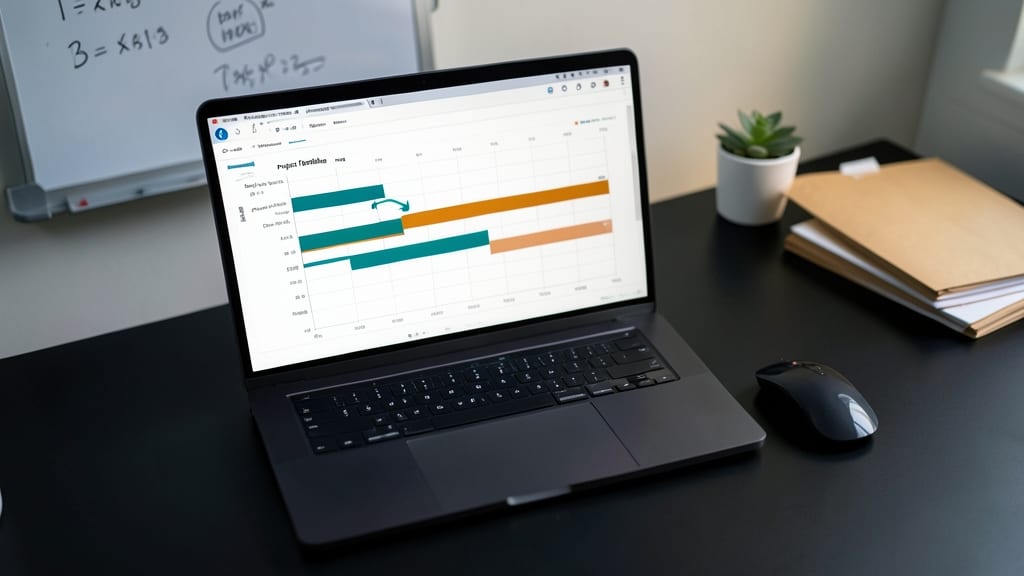
Juggling multiple projects with tight deadlines? A Gantt chart template transforms chaos into clarity by mapping out tasks, milestones, and dependencies in one visual timeline. Unlike basic to-do lists, this tool shows how delays in one area ripple across your entire schedule—so you can proactively adjust resources or timelines before deadlines slip.
Look for a template with color-coded progress bars, drag-and-drop task adjustments, and automatic dependency links (e.g., if Task B can’t start until Task A finishes). Many free versions include pre-built project phases like planning, execution, and review, while advanced options let you add team members and assign responsibilities. For agencies or contractors, this means no more missed deadlines—just a real-time snapshot of what’s on track and what needs attention.
Perfect for freelancers managing client projects, small agencies handling multiple campaigns, or solopreneurs launching products with interconnected steps. Start with a one-project test to see how it simplifies your workflow before scaling up. ✨
Client Contact Database
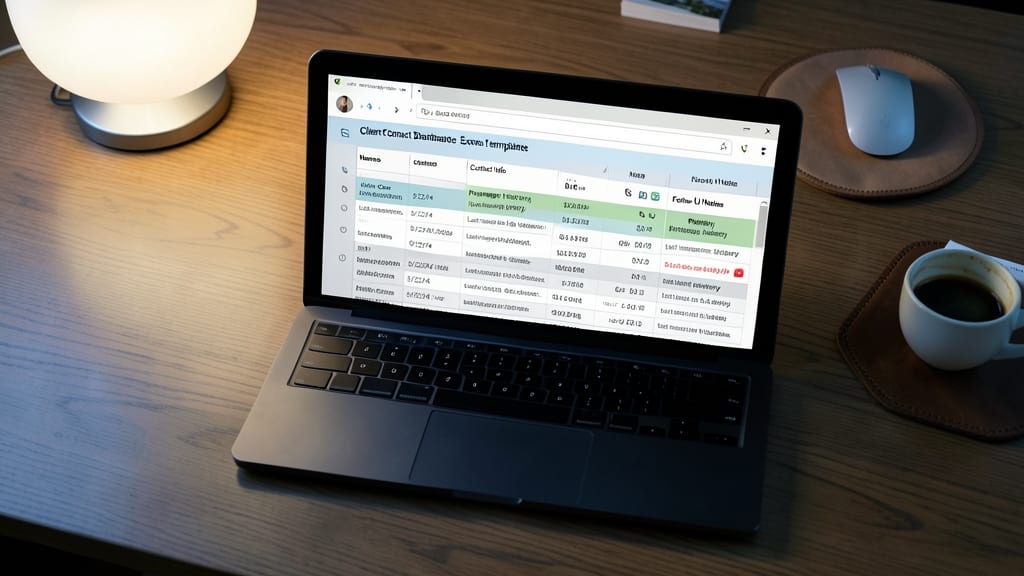
Tired of losing track of client details between calls and emails? This Client Contact Database template consolidates everything—names, contact info, purchase history, and follow-up notes—into one searchable sheet, so you never miss a beat.
With customizable columns for notes, last interaction dates, and priority flags, you can filter contacts by industry, purchase amount, or last activity. The built-in interaction timeline tracks all communications in chronological order, making it easy to spot patterns or opportunities. Plus, the color-coded status system (e.g., "Hot Lead," "Past Client") ensures high-value contacts stand out instantly.
Perfect for sales teams, real estate agents, or service providers who rely on repeat business. Whether you’re closing deals or nurturing long-term relationships, this template keeps your pipeline organized without the hassle. ✨
Expense Report Template with Receipt Tracking
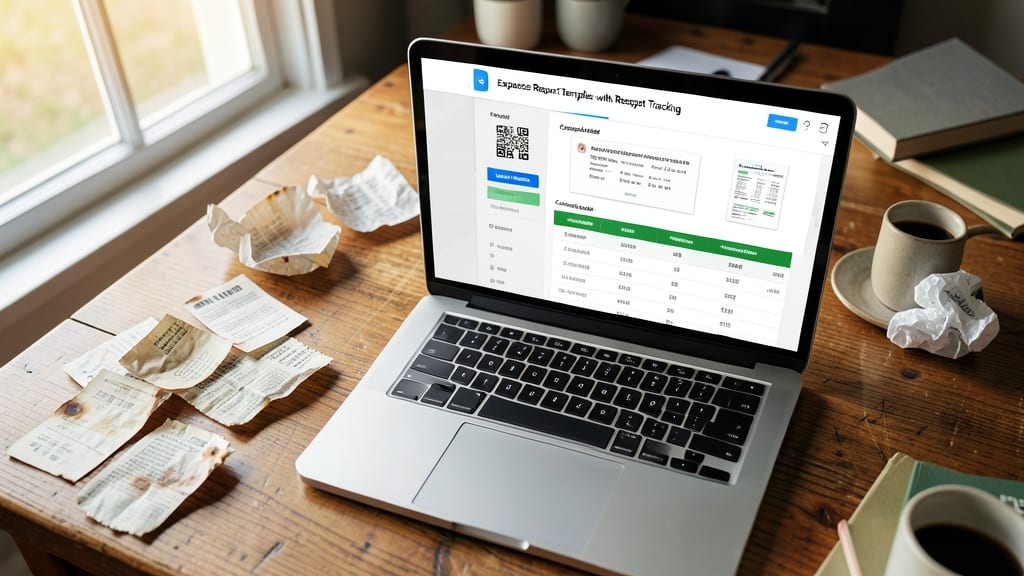
Drowning in paper receipts during tax season? This Expense Report Template with Receipt Tracking turns your physical paperwork into a searchable, categorized digital ledger—no more lost slips or last-minute scrambling. The template includes a dedicated section to upload receipt images directly into the spreadsheet, so you can attach proof of purchases with just a few clicks.
Designed with automatic expense categorization, it sorts transactions into standard business types (travel, office supplies, meals) and even calculates totals by department or project. The built-in tax deduction calculator flags potential write-offs, while customizable fields let you add notes for reimbursement claims. Compatible with Excel and Google Sheets, it syncs seamlessly across devices.
Perfect for freelancers, consultants, or small teams who need to submit expense reports quickly—or for accountants helping clients organize year-end filings. Say goodbye to shoeboxes and hello to stress-free compliance. ✨
Social Media Content Calendar
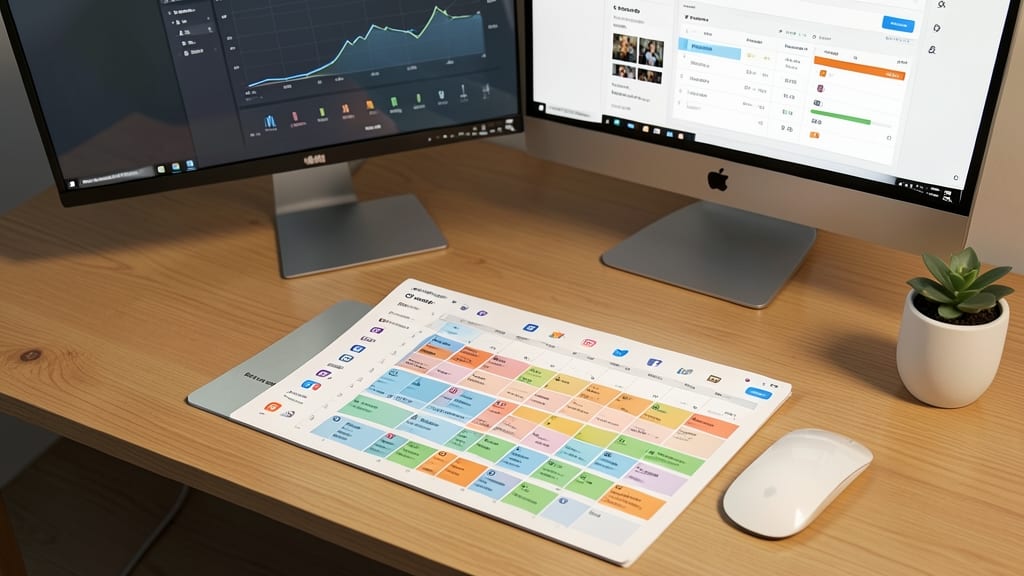
Juggling multiple social media accounts can feel like herding cats—until you have a Social Media Content Calendar to organize your strategy. This template lets you plan posts across platforms, track deadlines, and even measure engagement metrics in one place, so you never miss a beat or a trend.
With built-in columns for post ideas, scheduled dates, platform assignments, and engagement tracking, you’ll stay ahead of deadlines while analyzing what’s working. The color-coded layout makes it easy to spot high-performing content, and customizable fields let you tailor it to your brand’s needs—no coding required.
Perfect for solopreneurs, digital marketers, or small businesses managing their own social presence, this template turns chaos into a streamlined workflow. ✨
Break-Even Analysis Calculator
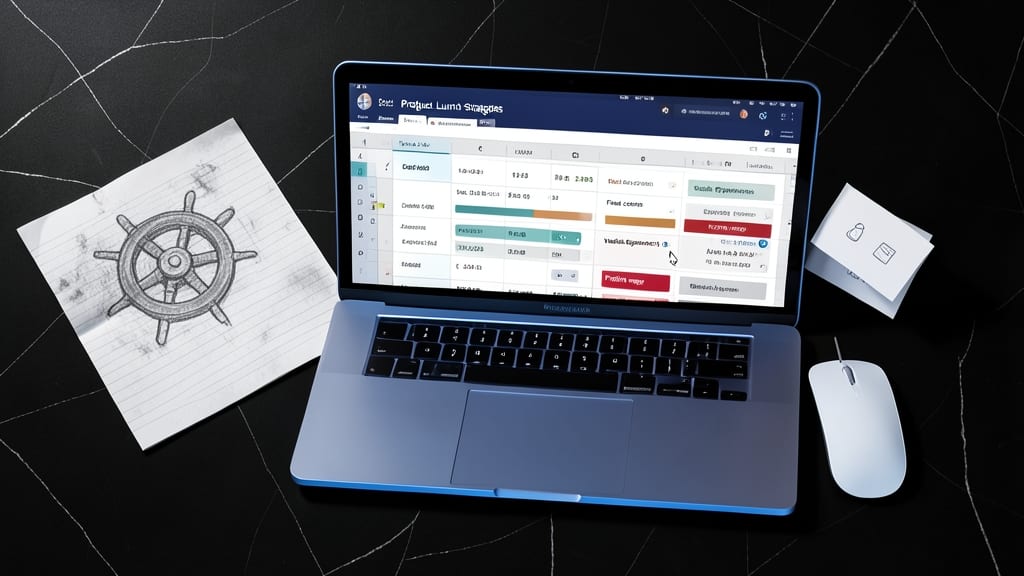
Launching a new product without knowing your break-even point is like sailing blindfolded—this calculator cuts the guesswork. It dynamically calculates the exact sales volume and pricing thresholds needed to cover fixed costs, variable expenses, and your desired profit margin, all in one sheet.
Simply input your fixed costs (rent, salaries), variable costs (production, shipping), and unit price, then watch the template generate a break-even chart and sales targets. Advanced versions even include sensitivity analysis to test pricing scenarios—perfect for startups or e-commerce stores evaluating new product lines. No complex formulas required; just plug in your numbers and let Excel do the heavy lifting.
Ideal for product-based businesses testing limited-edition items, seasonal products, or subscription models, this tool helps you avoid costly mispricing. Whether you're a solopreneur or a small team, it’s the financial sanity check every new offering needs. ✨
Meeting Agenda and Minutes Tracker
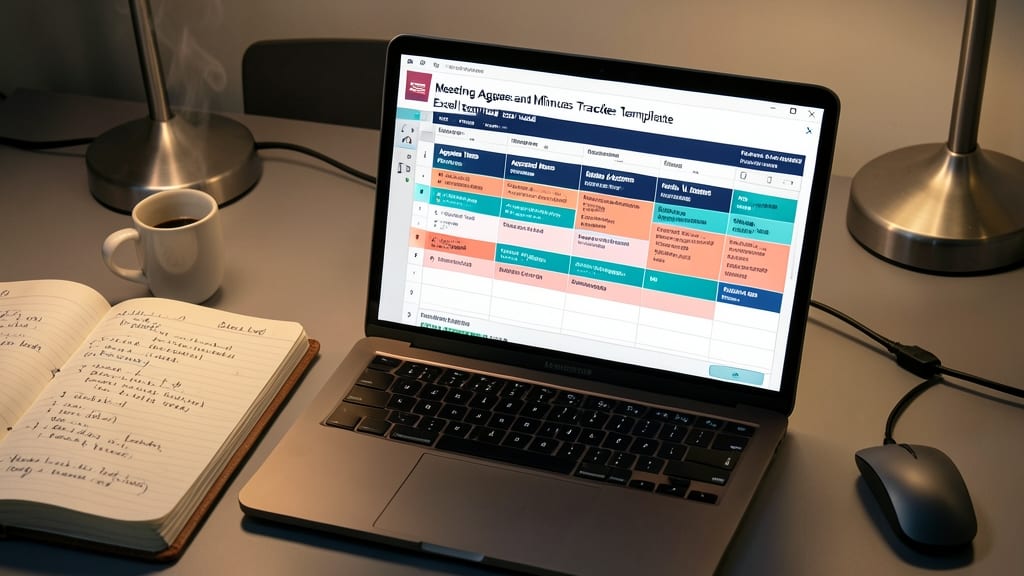
Remote teams often struggle with disorganized meeting notes that disappear into email threads or forgotten notebooks. This Meeting Agenda and Minutes Tracker template solves that by centralizing all critical details—agendas, action items, and follow-ups—in one structured format.
Designed with time slots for discussions, assigned owners for tasks, and progress tracking, it ensures no detail slips through the cracks. The template also includes a decision log to document key outcomes and a follow-up timeline to keep accountability on track. You can even add a meeting scorecard to rate efficiency post-session.
Perfect for remote-first companies, freelancers with client calls, or project teams needing alignment. With zero setup required, it’s ready to use out of the box. ✨