
Coding
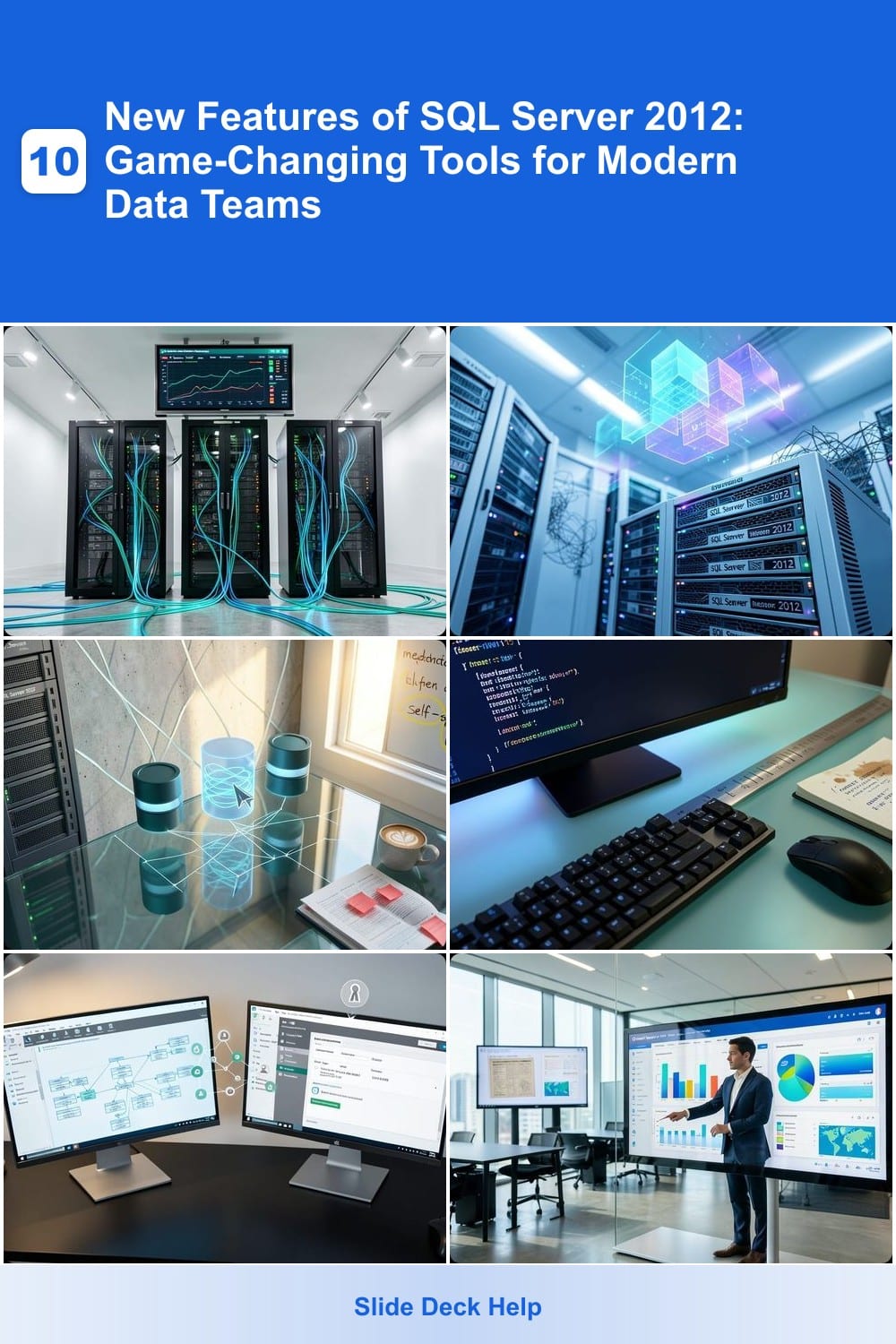
SQL Server 2012 introduced groundbreaking features that transformed database management for businesses and developers. These 10 innovations boosted performance, security, and scalability—making it a pivotal upgrade for modern data teams.
AlwaysOn Availability Groups for High Availability

For mission-critical applications where downtime isn’t an option, AlwaysOn Availability Groups redefined enterprise-grade reliability in SQL Server 2012. This feature introduced synchronous data replication across multiple servers, ensuring real-time consistency without sacrificing performance—unlike traditional mirroring or log shipping.
With automatic failover and readable secondaries, you can distribute workloads while maintaining near-zero RPO (Recovery Point Objective). The primary replica handles all write operations, while secondary replicas sync data in real time, ready to take over instantly. Even large-scale databases stay resilient with minimal manual intervention.
Perfect for financial systems, healthcare records, or e-commerce platforms, this feature eliminates single points of failure. ⚡
Columnstore Indexes for Massive Data Compression

Struggling with slow analytics queries on massive datasets? Columnstore indexes in SQL Server 2012 could be your game-changer. This feature redefined data warehousing by compressing large tables—sometimes by 10x—while dramatically speeding up analytical queries.
Unlike traditional row-based indexes, Columnstore indexes store data column-by-column, making them ideal for OLAP (Online Analytical Processing) workloads. They automatically compress data during index creation, reducing storage costs while improving scan performance for aggregations and filtering operations. The best part? You can even create clustered columnstore indexes for entire tables, ensuring optimal query execution.
Data warehouse teams and BI developers will love this feature, as it cuts storage overhead and query times—ideal for environments handling terabytes of historical data. ⚡
Contained Databases for Simplified Deployment

Tired of deployment headaches caused by tangled database dependencies? Contained Databases in SQL Server 2012 solved this by packaging everything—metadata, schemas, and users—into self-sufficient units. No more relying on a central master database to function, meaning you can move, test, or deploy databases independently without breaking links.
This feature introduced two key modes: fully contained (no external dependencies) and partially contained (some metadata still linked to the master). The real game-changer? Isolated testing—developers can now work on databases locally without affecting production, and DevOps teams can migrate databases to cloud environments with minimal configuration. It’s like giving each database its own sandbox.
Perfect for teams adopting DevOps pipelines or preparing for cloud migration, Contained Databases streamline workflows and reduce deployment risks. ⚡
Sequence Objects for Reliable Number Generation

Tired of identity columns limiting your key generation strategies? SQL Server 2012 introduced sequence objects—a game-changer for developers needing precise control over numeric sequences. Unlike rigid identity columns, sequences let you define custom increments (like 0.5 or 10) and even handle gaps for auditing or reporting scenarios.
With T-SQL support for CREATE SEQUENCE, you gain features like cycle detection (restarting after max value) and explicit caching control. These objects work seamlessly with NEXT VALUE FOR, making them perfect for generating surrogate keys, timestamps, or batch numbers—all while maintaining thread safety. The flexibility extends to negative increments and minimum/maximum boundaries, covering edge cases identity columns can't handle.
This feature is a must for data architects building complex systems where key generation isn't one-size-fits-all. Whether you're tracking inventory batches with non-sequential IDs or implementing multi-table foreign key relationships, sequences provide the precision you need. ✨
Contained Database Users for Granular Security
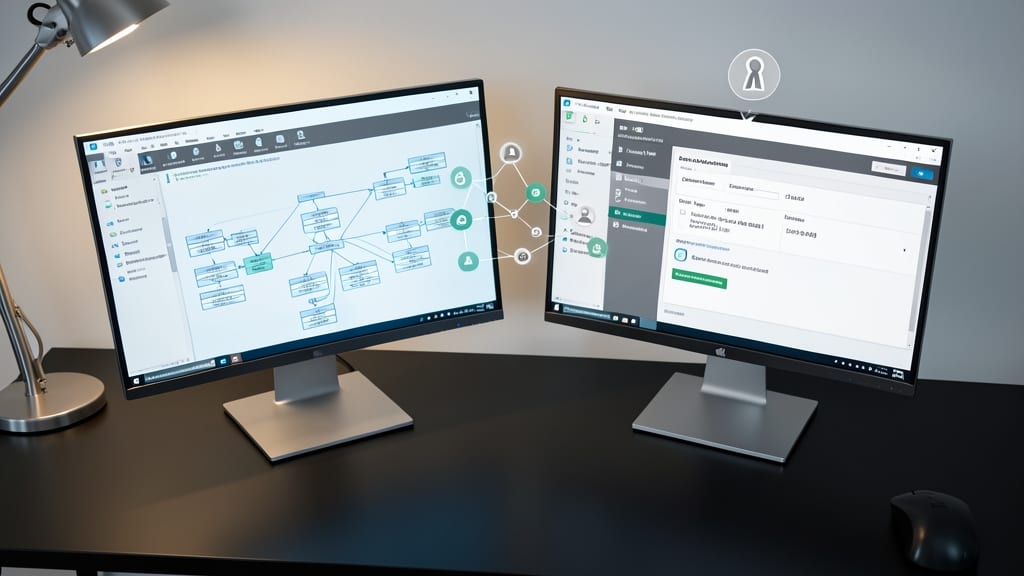
Tired of managing permissions through Windows logins when your SaaS app needs isolated tenant access? Contained Database Users in SQL Server 2012 lets you create and authenticate users directly within individual databases—no server-level logins required.
This feature introduces database-scoped credentials, meaning you can now assign permissions at the granular level of a single contained database. For multi-tenant environments, it eliminates cross-contamination risks by containing all authentication data within the database itself. The CREATE USER command now supports authentication via SQL logins or certificates, giving you flexibility while maintaining security.
Perfect for SaaS providers and cloud-hosted applications where tenant isolation is critical. This reduces administrative overhead and simplifies permission management across distributed databases. ✨
Power View for Interactive Data Visualization

Tired of waiting for IT to run reports or translate business questions into SQL queries? Power View in SQL Server 2012 changed the game by putting interactive data visualization directly in the hands of business users—no coding required.
This browser-based tool lets you drag-and-drop tables, create dynamic 3D charts, and build interactive dashboards that respond to filters and drill-downs in real time. Built on SharePoint integration, it connects seamlessly to PowerPivot models and Excel workbooks, while supporting gestures for touch-enabled devices. The best part? You can publish visualizations to SharePoint or embed them in reports—all without writing a single line of SQL.
Perfect for marketers, sales teams, and analysts who need to explore trends quickly, Power View turns raw data into actionable insights. It’s the self-service BI tool that finally made data exploration accessible to everyone. ✨
FileTable for Unified File and SQL Storage

Tired of juggling file systems and SQL databases as separate beasts? FileTable bridges that gap by treating files as rows in a SQL table—no more complex file system integrations. This feature lets you store files directly in a database while leveraging T-SQL for metadata management, versioning, and security policies.
With FileTable, you gain NTFS file system compatibility (so existing tools like Windows Explorer work seamlessly) alongside SQL Server’s querying power. Need to find all PDFs modified in the last month? Run a T-SQL query. Want to enforce permissions via database roles? Done. The feature even supports streaming file content directly from queries—ideal for document repositories where files and metadata live in sync.
Perfect for developers building content management systems or document-heavy applications, FileTable eliminates the need for custom file system wrappers while keeping everything in one database. 💻
SQL Server Data Tools for Unified Development
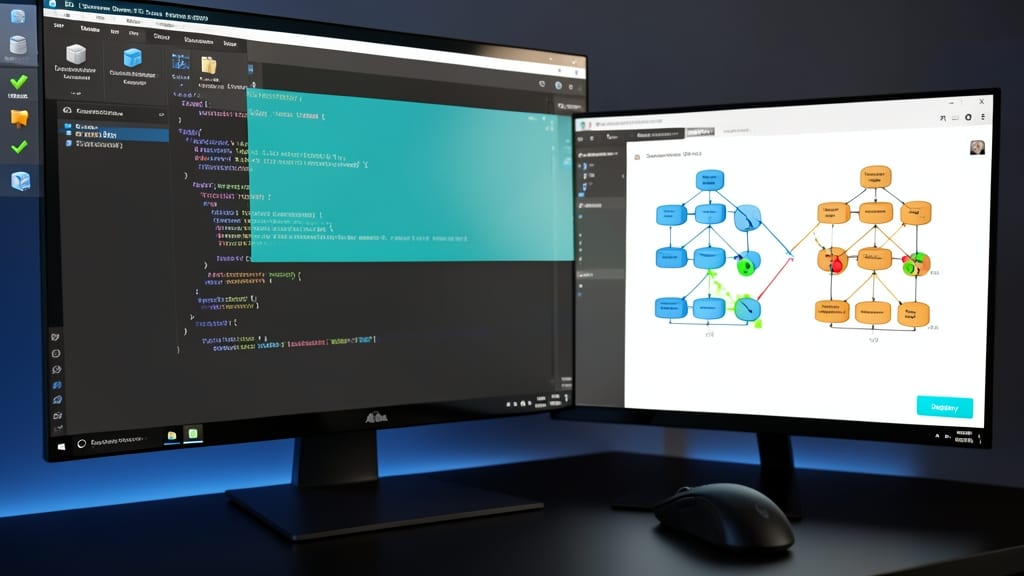
Tired of juggling separate tools for schema management, testing, and deployment? SQL Server Data Tools (SSDT) integrated directly into Visual Studio 2010/2012 unified the entire database development lifecycle—eliminating context-switching for SQL professionals.
With SSDT, you gain schema comparison tools to sync environments instantly, unit testing frameworks for database code, and deployment projects that package scripts with dependencies. The Visual Studio integration means familiar shortcuts (like Ctrl+Shift+B) work for both app and database code, while T-SQL debugging finally matches the polish of application development.
Perfect for teams using Visual Studio—especially those migrating from older tools like SQL Server Management Studio (SSMS) or third-party schema diff tools. ⚡
Contained Database Authentication for Cloud Readiness
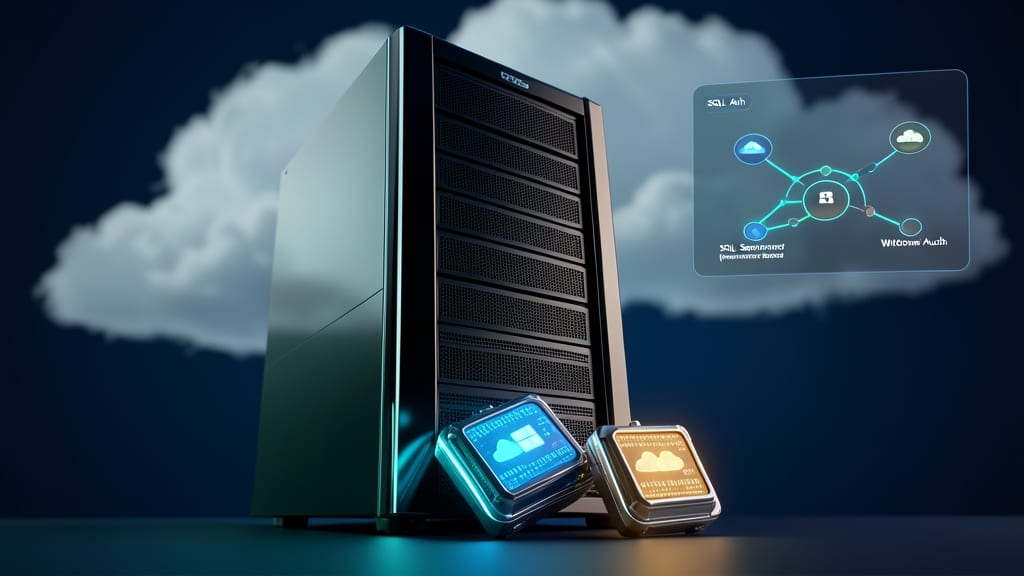
Cloud migration just got smoother with SQL Server 2012’s contained database authentication—a game-changer for hybrid environments. This feature lets you mix SQL Server authentication (password-based) with Windows authentication within the same contained database, eliminating the need to rely solely on domain logins for cloud deployments.
The real magic happens with mixed-mode support, allowing seamless transitions between on-premises and cloud (like Azure SQL Database). You can now authenticate users locally while maintaining compatibility with cloud identity services—critical for multi-cloud strategies where flexibility is key. Scripting and permissions remain isolated, reducing security risks during migrations.
This is your best bet if you're building Azure-centric apps or planning hybrid cloud setups. No more workarounds—just clean, cloud-ready authentication. ✨
Enhanced Compression for Storage Efficiency

For enterprises drowning in storage costs, SQL Server 2012’s enhanced compression feature delivers a game-changing solution. Unlike generic compression tools, this feature introduces row and page-level compression—two distinct modes that shrink your database footprint without sacrificing performance.
The row-level compression targets individual rows, reducing storage by up to 40%, while page-level compression (the more aggressive option) can cut storage needs by 80% by eliminating redundant data at the page level. Both options maintain near-native query speeds, making them ideal for cost-sensitive environments where storage efficiency is critical without compromising speed.
This feature is a must for data-heavy enterprises running large OLTP systems or data warehouses where every terabyte saved translates to significant cost savings. ⚡